Release 114-9 · Beta 114-10 • Independent access for Android

More than hearing the screen.

AccessiMind Reader brings fast navigation, deep customization and optional AI analysis into one accessible experience.

11 September 2026 · two release channels

AccessiMind Reader 114-9 production and 114-10 Beta

Explore formatting analysis in the stable production channel and Speech history with a text-only AI flow in Beta.

Production
114-9 · 1621623
Beta
114-10 · 1621624
Package date
11 September 2026
Language coverage
29 language/region configurations

Production

114-9 · Hear text formatting

Receive the font, size, style, underline and colour data exposed for focused text through speech or sound. Optional screen sampling assists colour analysis, while accessibility IPC and focus paths are hardened against freezes.

  • 114-9 / 1621623
  • phoneRelease · signed
  • 29 locales

Beta

114-10 Beta · Reuse recent speech

Open the last 10 utterances with time and category information, copy an item, ask AI using text-only context, and hear a dynamic estimated percentage while the response is prepared.

  • 114-10 / 1621624
  • Beta track · signed phoneRelease
  • 29 locales

Recorded evidence for both signed packages covers release identity, 29 locale resources, Direct Boot reboot, screen-off/Doze/keyguard cycles, service binding and touch exploration. AI results still depend on the selected provider and data exposed by the application.

English · 114-9 / 114-10 Beta

Learn settings in 14 detailed chapters

All 15 main settings groups are covered in 14 chapters by combining Training and help with About in the final chapter. The 114-9 and 114-10 Beta features appear inside their owning settings sections.

Duration: 13:13 · 14

Includes narrated explanatory slides, selectable captions and a full transcript; it is not a recording of every operation on a physical device.

Selecting a chapter pauses the video and moves to that time. Use Play to begin listening.

14 chapters — jump to a settings group
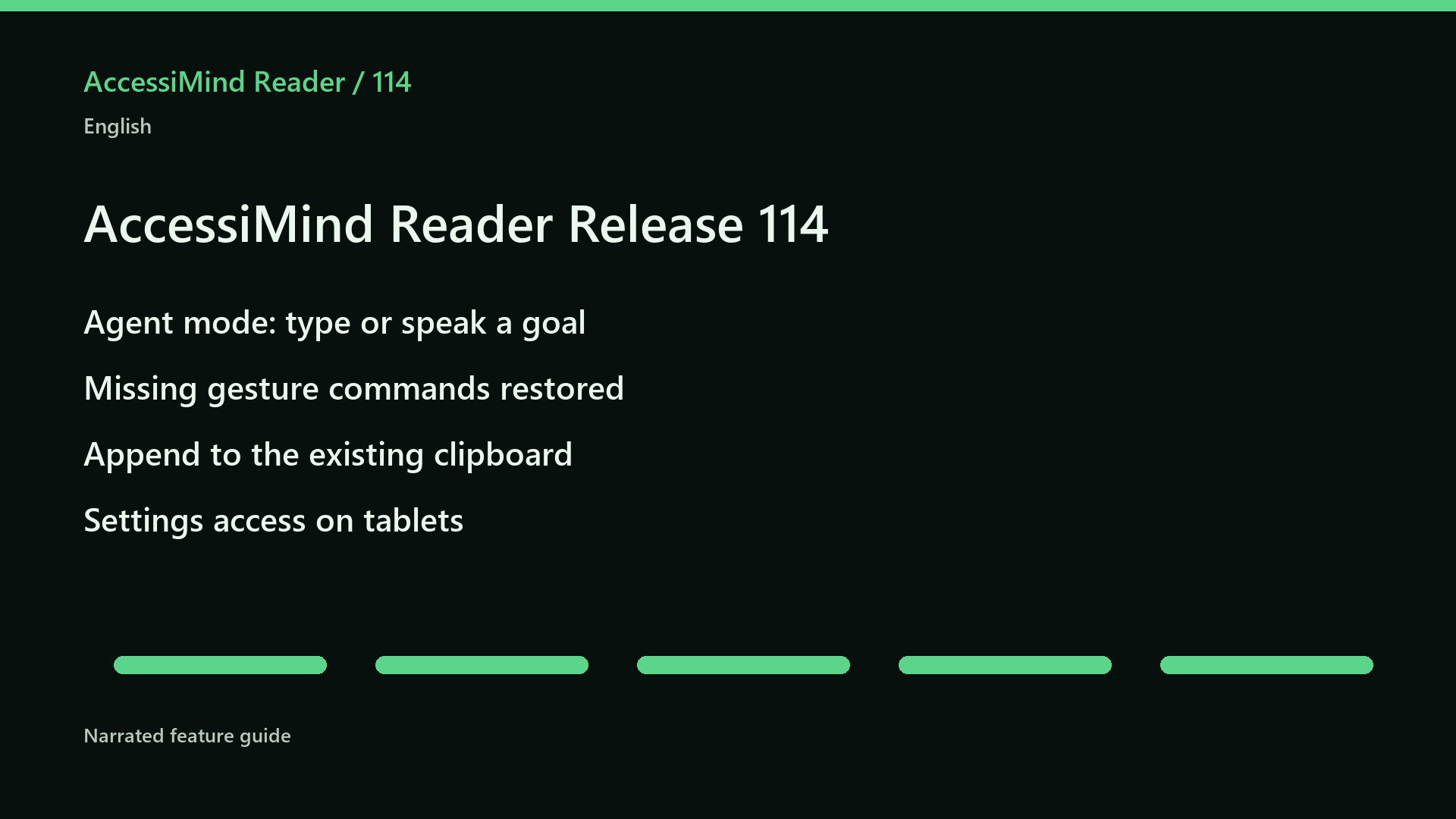
114 feature overview: Agent mode, gesture commands, clipboard append and tablet settings.

Why AccessiMind?

Context, speed and control for independent use.

AccessiMind Reader combines Android accessibility information with powerful navigation and invokes AI only when you request it within the scope you choose.

  • Clearer controls

    Analyze one unlabeled control or the visible screen, then review and manage results per app.

  • A workflow that fits

    Adapt gestures, speech, rotor choices, notifications, Braille and per-app profiles.

  • Verified guidance

    The user guide explains every settings group, menu item and finger gesture at its correct in-app location.

App interface

Familiar, organized and understandable with a screen reader.

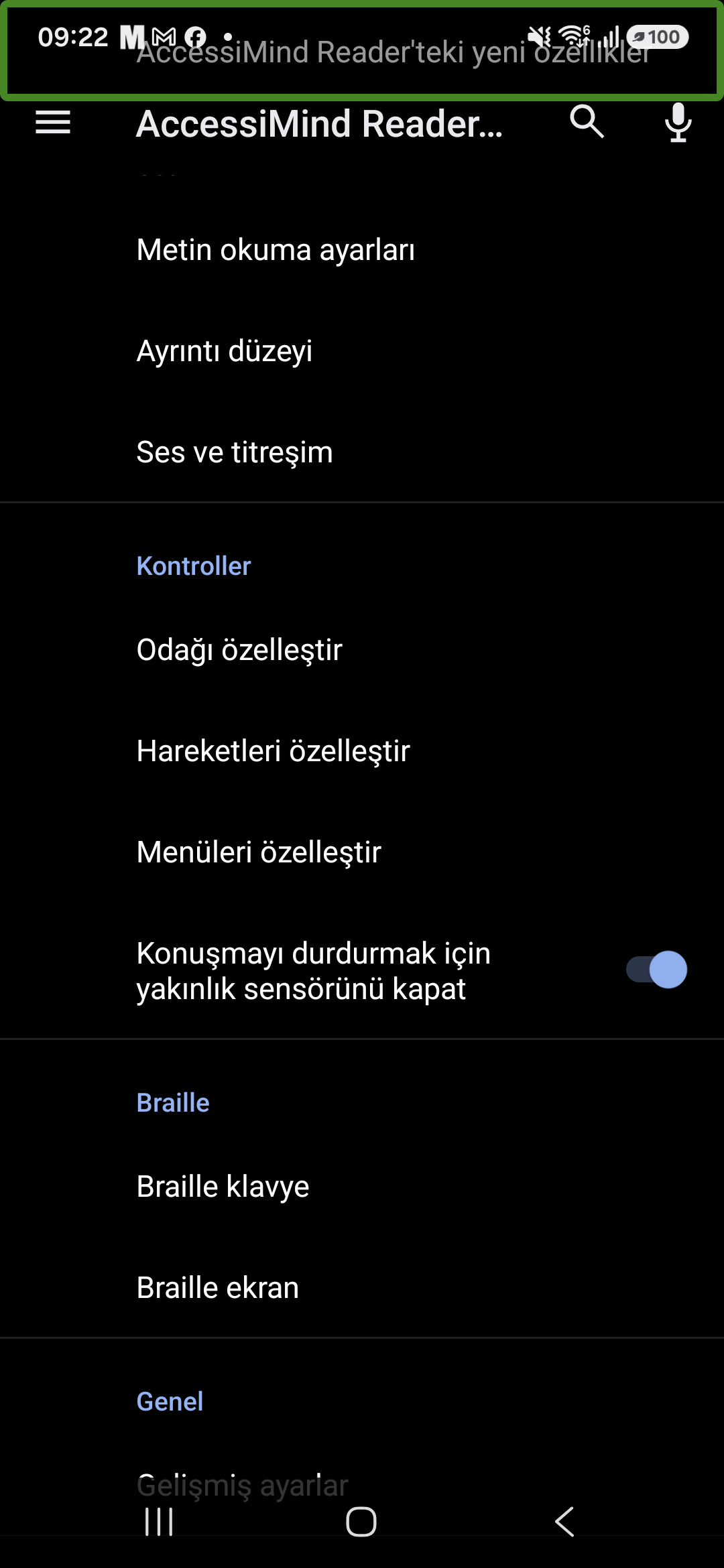
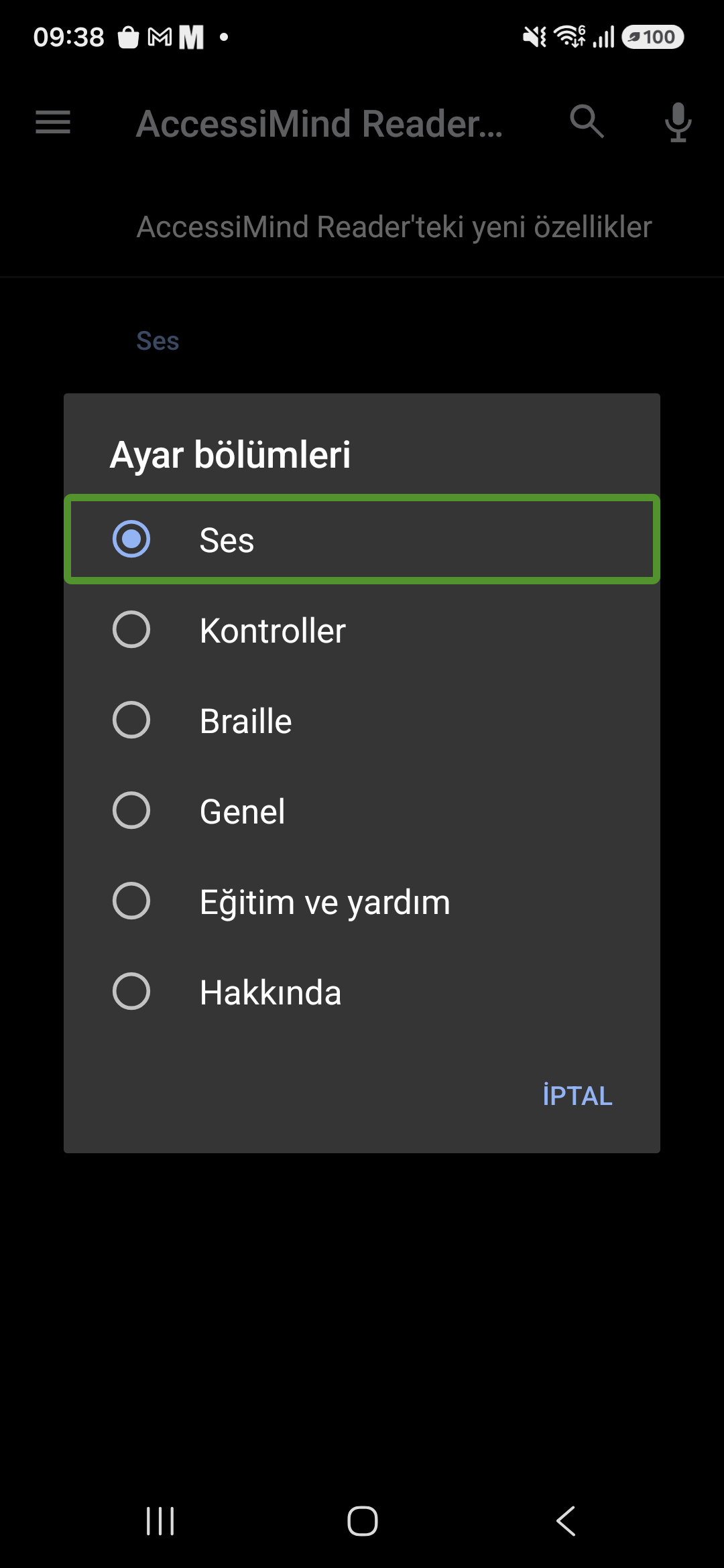
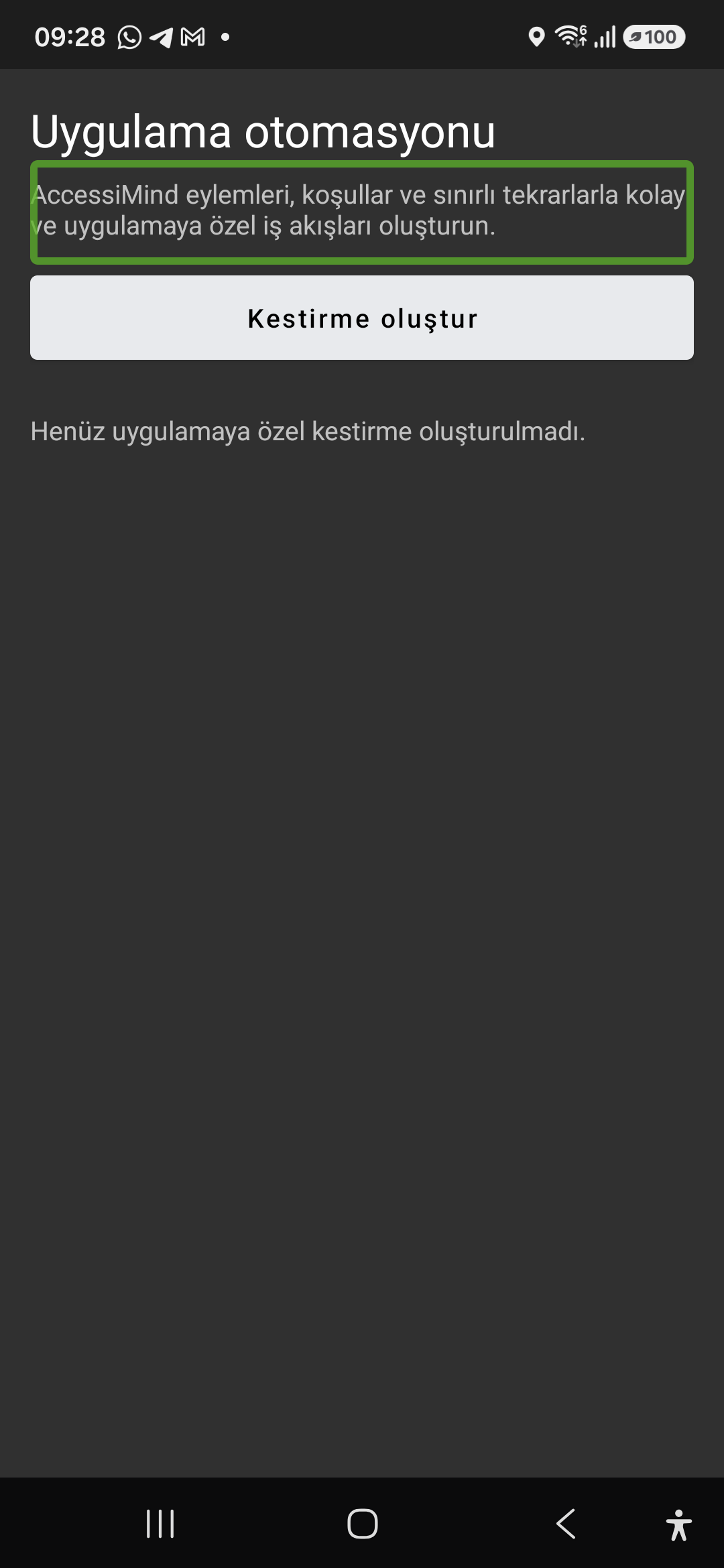
These real AccessiMind Reader screens show how core settings, the section picker and app-specific automation are organized. The captured interface is in Turkish; the descriptions below provide the full context in English.

Ready to begin?

Follow the journey from basic gestures to AI label management.

Read the English guide