6 タブのモダンなホーム画面と音声/テキストの即時検索
「一般」、「ジェスチャー」、「コンテンツ音声」、「詳細」、「人工知能」、「追加設定」の 6 つのタブからすべての設定にアクセスできます。上部の検索バーまたは音声検索を使用して、オプションを即座にフィルタリングします。
ソース検証済みの完全なリファレンス マニュアル
セットアップ、6 タブの設定アーキテクチャ、1 ~ 5 本の指のフリーフォーム ジェスチャ、6 チャンネル TTS オーディオ ルーティング、AI ウィザード エージェント、6 モードの統合翻訳ハブ、31 言語のスマート ディクテーション、通話管理、アクセシブル キーボード、および Web ブラウザーに関する完全なステップバイステップのドキュメント。
2026/10-116 画面ウォークスルービデオガイド · 日本語 (Japanese)
AccessiMind+ 2026/10-116 からキャプチャされた実際の Android 画面をフィーチャーした、ナレーションとキャプション付きの画面ごとのウォークスルー (一般、UI カスタマイズ、TTS 出力チャネル、ジェスチャー、フリーフォーム ジェスチャー クリエーター、自動ラベル付け、アドバンスト、通話管理、AI アシスタント、音声翻訳、スマート ディクテーション、およびアクセス可能なキーボード/ブラウザ)。
01:28 · 12 Chapters · JA
任意のチャプターを選択すると、ビデオがその画面のウォークスルーに直接ジャンプします。キャプションとダウンロード可能な完全なトランスクリプトが提供されます。
製品版リリース • 2026 年 10 月 20 日 • バージョン 2026/10-116 (バージョンコード: 1621660)
ハイブリッド デュアル DEX アーキテクチャ、4 層のアトミック設定の保存 (ダイレクト ブート)、6 チャネル TTS 出力ストリーム マネージャー、101 ロケールのシャットダウン/ウェルカム アナウンス、サードパーティのロケーション SDK を使用しない 100% ネイティブ Android セキュリティ。
「一般」、「ジェスチャー」、「コンテンツ音声」、「詳細」、「人工知能」、「追加設定」の 6 つのタブからすべての設定にアクセスできます。上部の検索バーまたは音声検索を使用して、オプションを即座にフィルタリングします。
Gemini、OpenAI/Codex、またはオフライン Gemma-4 E2B を使用して画面と画像を記述し、複数ステップのウィザード エージェント タスクを音声で実行し、オフライン ONNX + Google ML Kit OCR を使用してスクリプト全体のテキストを認識します。
自動検出フォーカス、継続ナビゲーション、画像 OCR、全画面表示、クリップボード、ライブ音声翻訳。句読点を認識したスマート ディクテーションと 31 言語のカスタム音声コマンド。
自由形式の 1 ~ 5 本の指のカスタム ジェスチャを描画し、レイアウトを JSON としてインポート/エクスポートします。 101 のロケール セットにわたってスクリーン リーダーがオンまたはオフになるたびに、システム言語で信頼性の高い音声アナウンスが聞こえます。
アクセシビリティ、メディア、通知、アラーム、着信音、または音声通話チャネルを通じて音声を個別にルーティングします。 1 本指のスワイプ、自動スピーカーフォン、ダイヤルパッド キーの 1 回タップで通話に応答/終了します。
ダイレクト ブートのロック画面および 4 層のアトミック JSON スナップショットを介したアプリの更新で設定が失われることはありません。さらに、ネイティブの Android LocationManager + Geocoder の位置情報アナウンスも可能です。
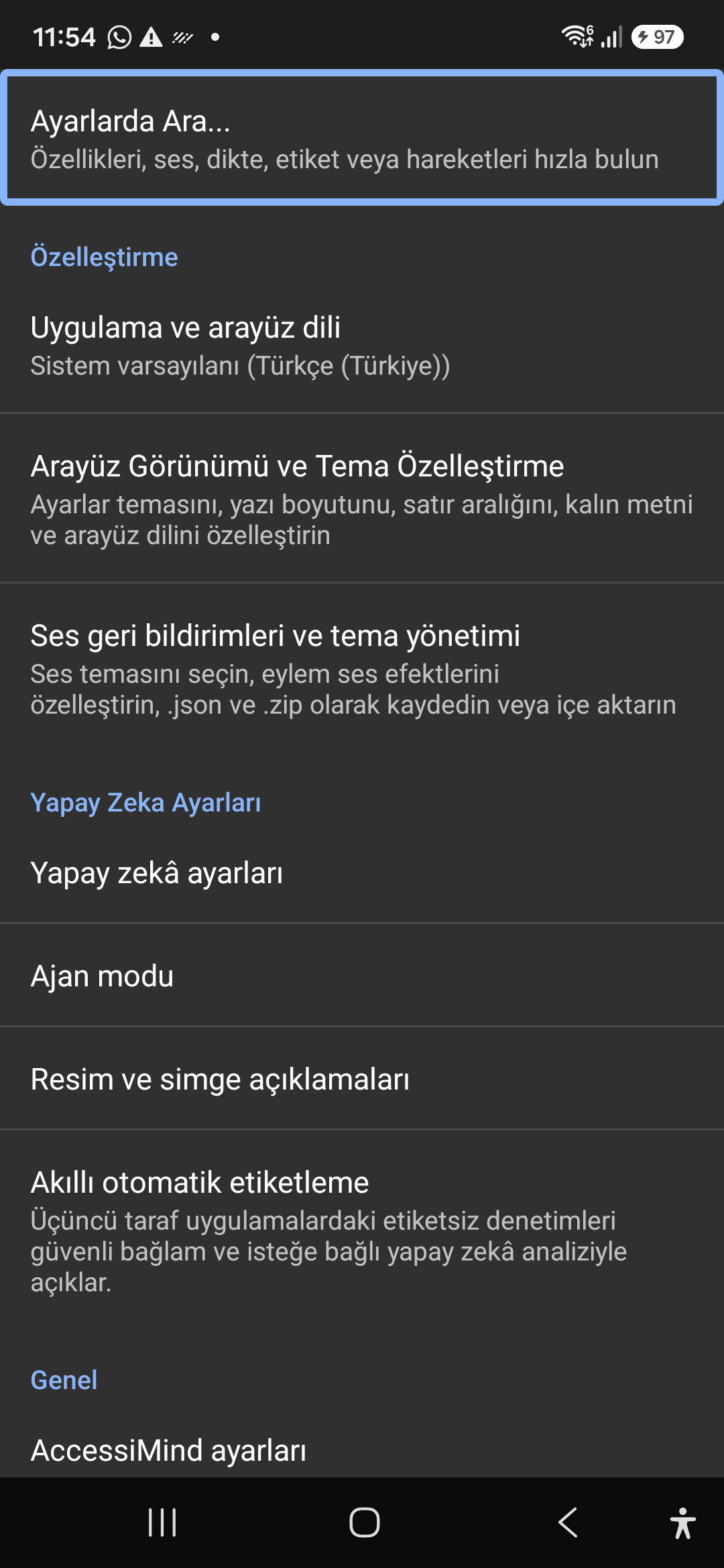
Quickly jump straight to any accessibility preference without browsing through nested menus. All keywords, commands, and tools are instantly indexed.
Instant settings search engine located at the top of the preferences list and toolbar. Search categories, sound themes, gestures, and plugins with immediate focus.
Screenshot showing the instant search engine at the top of the AccessiMind settings screen.
Customizable appearance with high contrast modes, large text rendering, card borders, and independent language selection.
Lock the interface language to system default or independently select from 30 supported languages. WCAG 2.2 compliant dark/light themes and custom font scales.
Screenshot showing customization options for language and theme appearance.
Configure feedback sounds for focus changes, clicks, and notifications. Easily import community-crafted sound packages via .zip or .json.
Customize action audio effects, choose built-in sound themes, or import/export external WAV and OGG sound packages.
Screenshot showing sound feedback and theme configuration.
Agent Mode interprets onscreen context and coordinates complex tasks such as form completion, order placement, or message drafts with interactive safety overlays.
Multi-provider AI architecture integrating Google Gemini 2.5, on-device Gemma, and GPT. Autonomous Agent Mode carries out multi-step tasks with user approval.
Screenshot displaying AI Settings and Agent Mode controls.
Visual accessibility enabled by cloud and on-device vision models. Once labeled, buttons and icons are cached locally to minimize network latency.
Narrate images and OCR text within seconds. Recognize unlabeled controls in third-party apps and cache them in local SQLite storage.
Screenshot illustrating image narration and automatic labeling options.
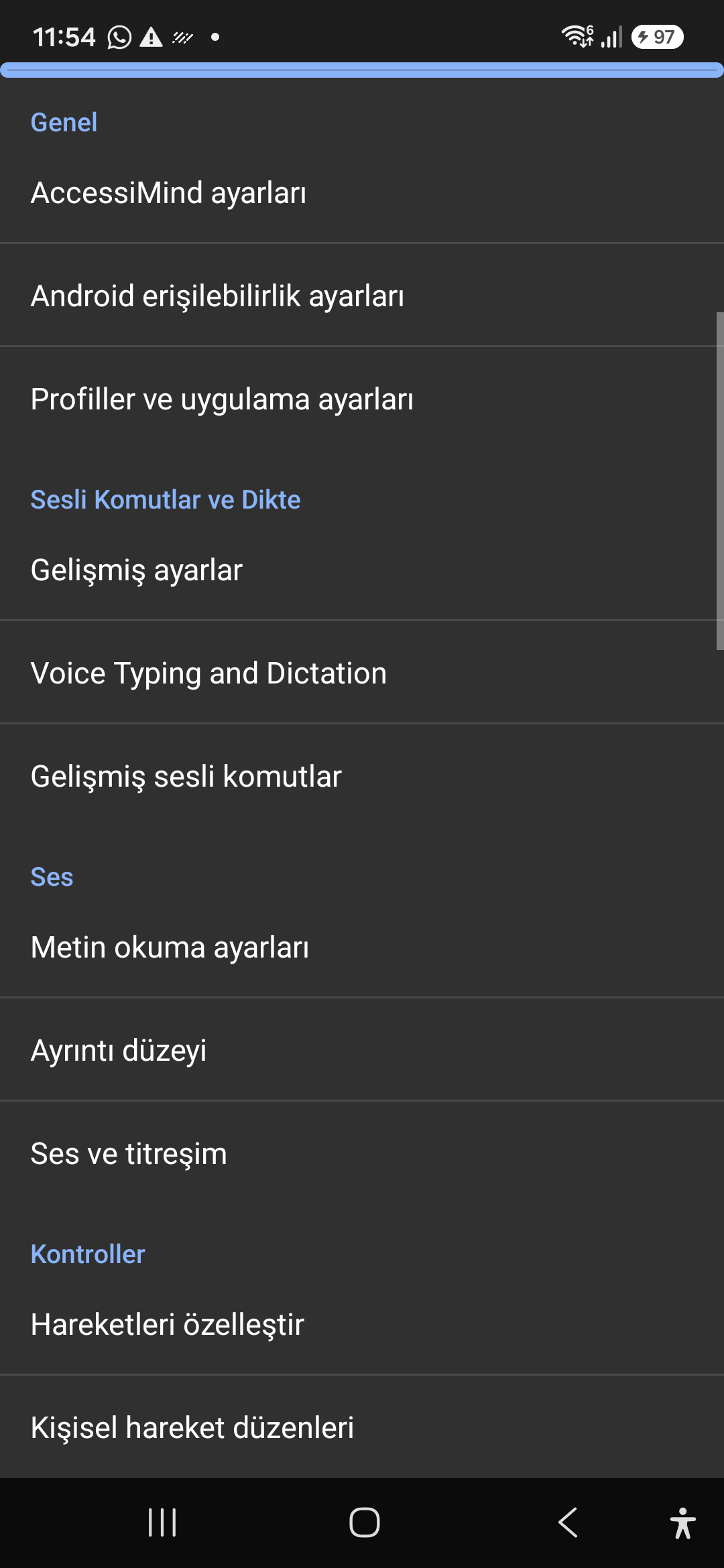
Control the screen reader using voice commands and dictate text into any input field with high recognition accuracy.
Hands-free voice typing, custom voice commands, and core AccessiMind operational parameters.
Screenshot showing general settings and voice typing dictation.
Fine-tune speech output parameters, manage punctuation and character-by-character pronunciation, and route audio across dedicated streams.
TTS engine selection, speech rate, pitch, 6 independent audio output channels, and granular verbosity controls.
Screenshot showing text-to-speech engine and verbosity preferences.
Freely remap single and multi-finger taps, swipes, and multi-directional gestures to navigation, reading, or custom actions.
Assign any action to 1 to 5 finger gestures, define independent JSON gesture layouts, and create app profiles.
Screenshot showing gesture customization and custom layout options.
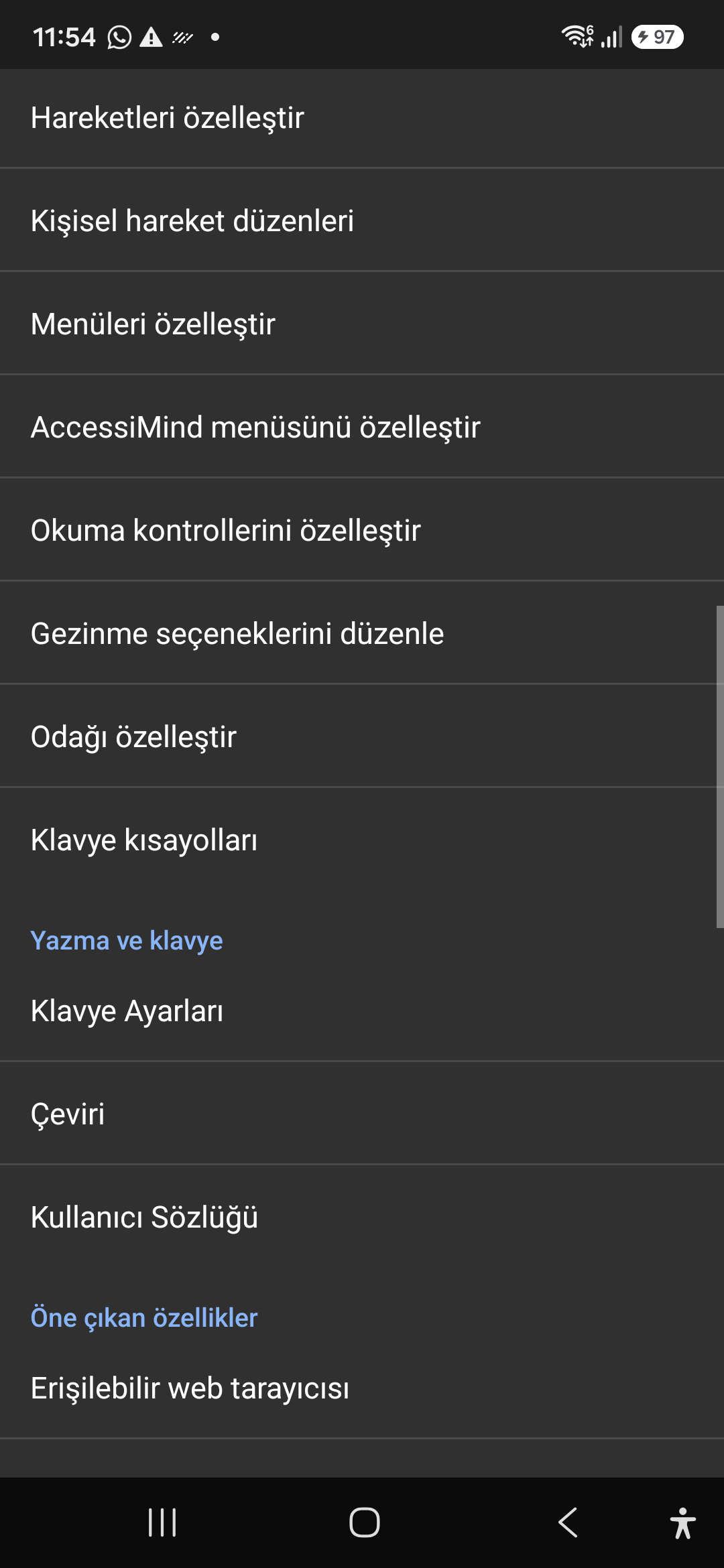
Personalize the items appearing in the global context menu and reading granularity selector to match your personal workflow.
Tailor the AccessiMind menu, reading controls (rotor), navigation granularities, focus indicator, and keyboard shortcuts.
Screenshot showing menu customization and navigation granularities.
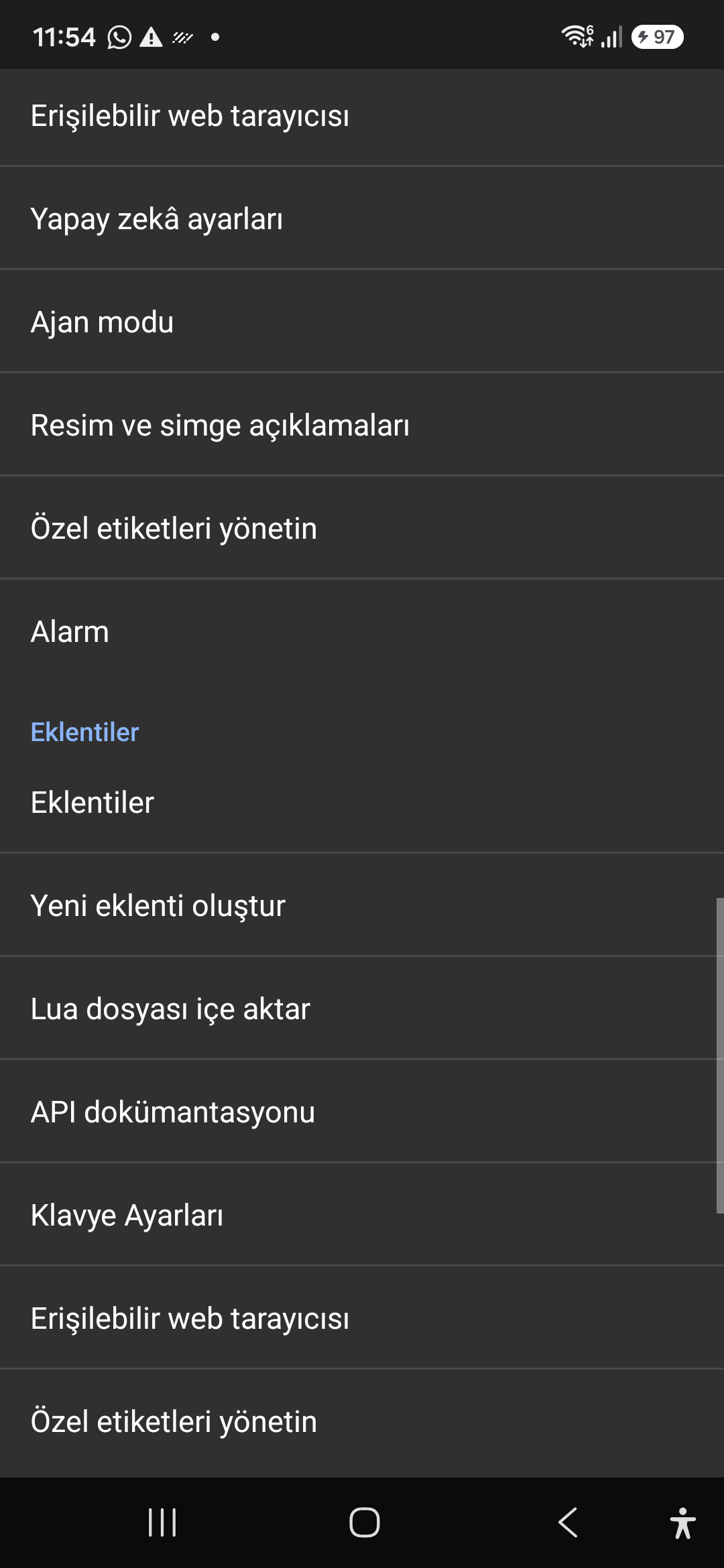
Author and run custom Lua scripts securely. Fully documented access to accessibility, speech, UI, HTTP, and local storage APIs.
Sandboxed Lua scripting execution in an isolated Android process, on-device code editing, and comprehensive built-in API documentation.
Screenshot showing plugins hub and API documentation.
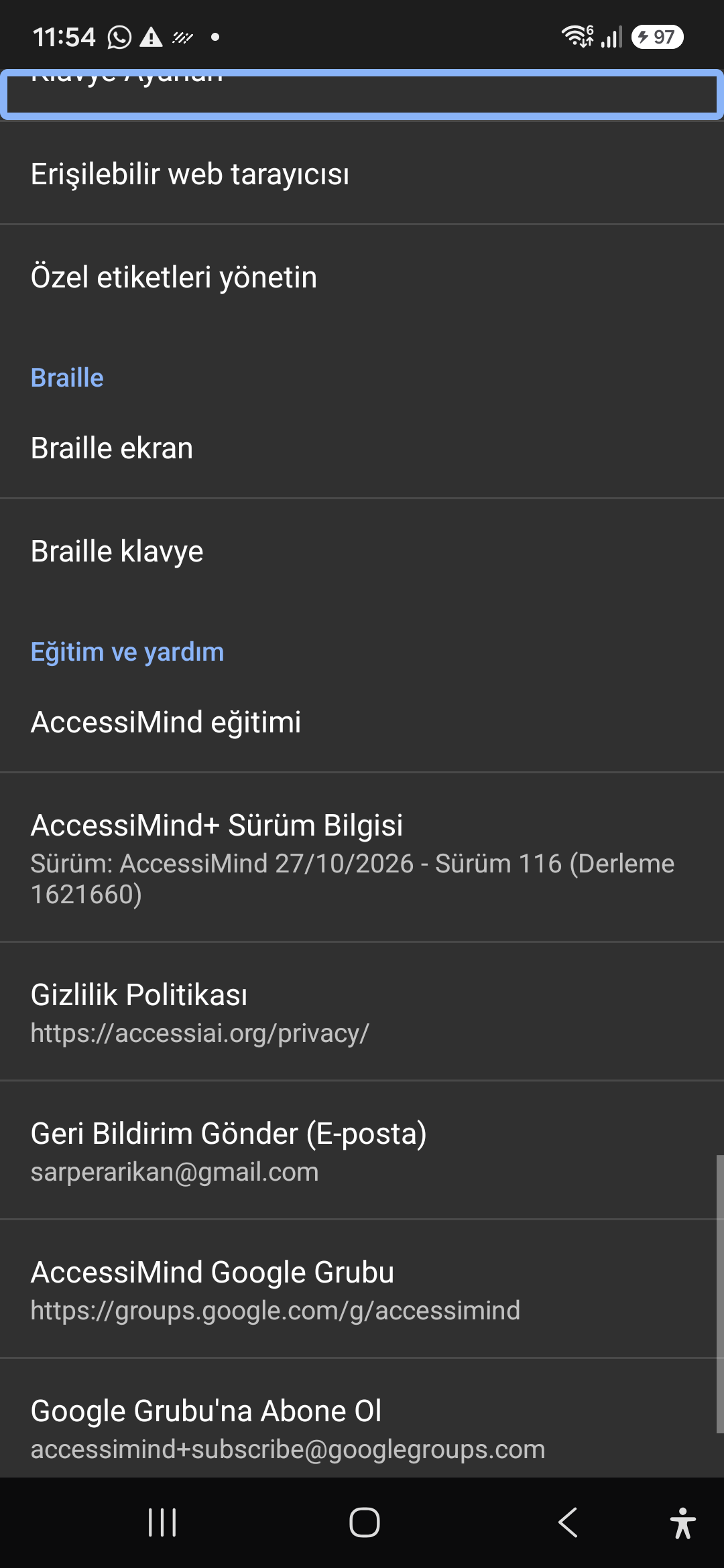
A suite of integrated utility tools designed specifically for screen reader users, including accessible web browsing and label backup.
AccessiMind Keyboard preferences, accessible built-in web browser, and management of user-defined labels.
Screenshot displaying keyboard settings, accessible browser, and label manager.
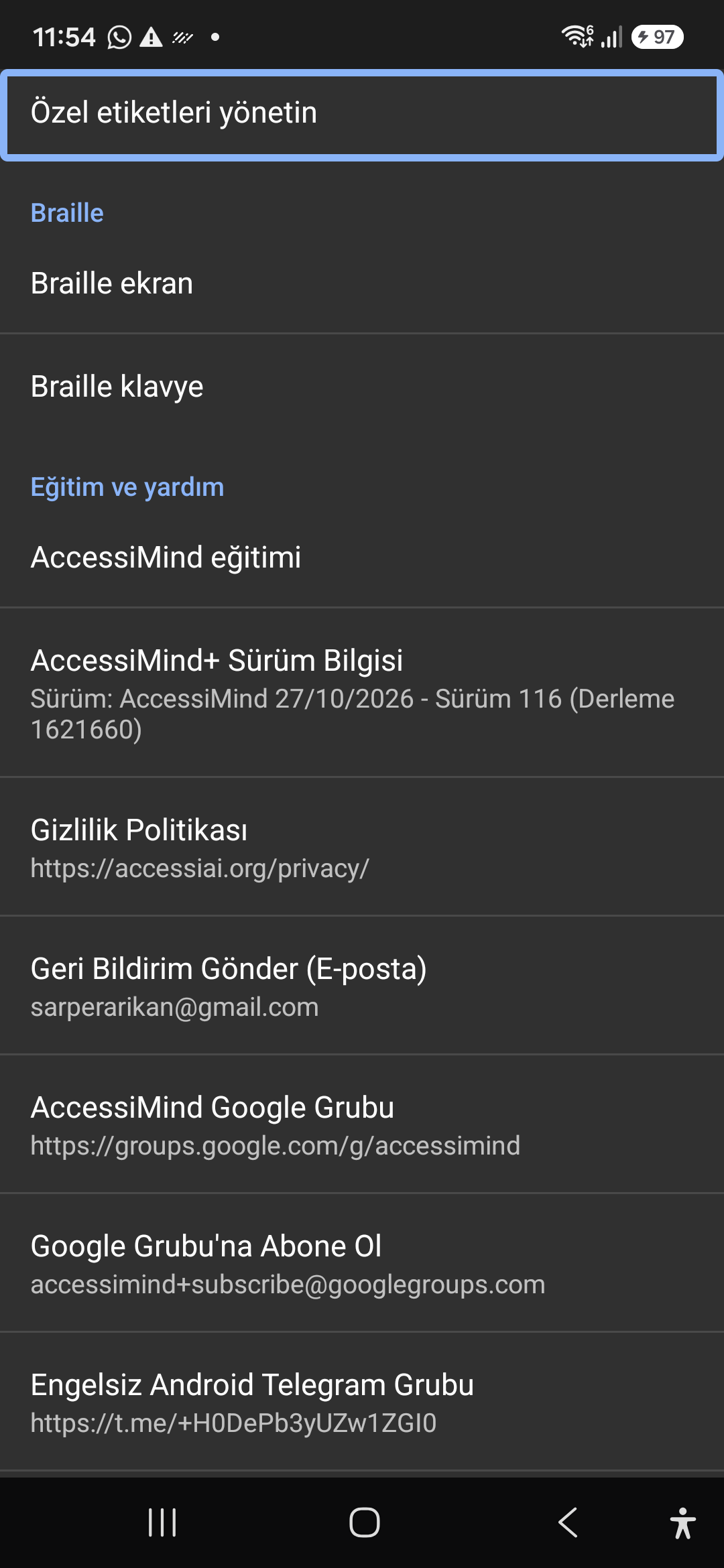
Connect refreshable Braille displays via Bluetooth or USB. Access Release 116 verification certificates, privacy terms, and direct Telegram/Google Groups.
Braille display and on-screen keyboard support; Release 116 (Build 1621660) metadata, Privacy Policy, Feedback, and active community groups.
Screenshot showing Braille settings, Release 116 version info, and community channels.