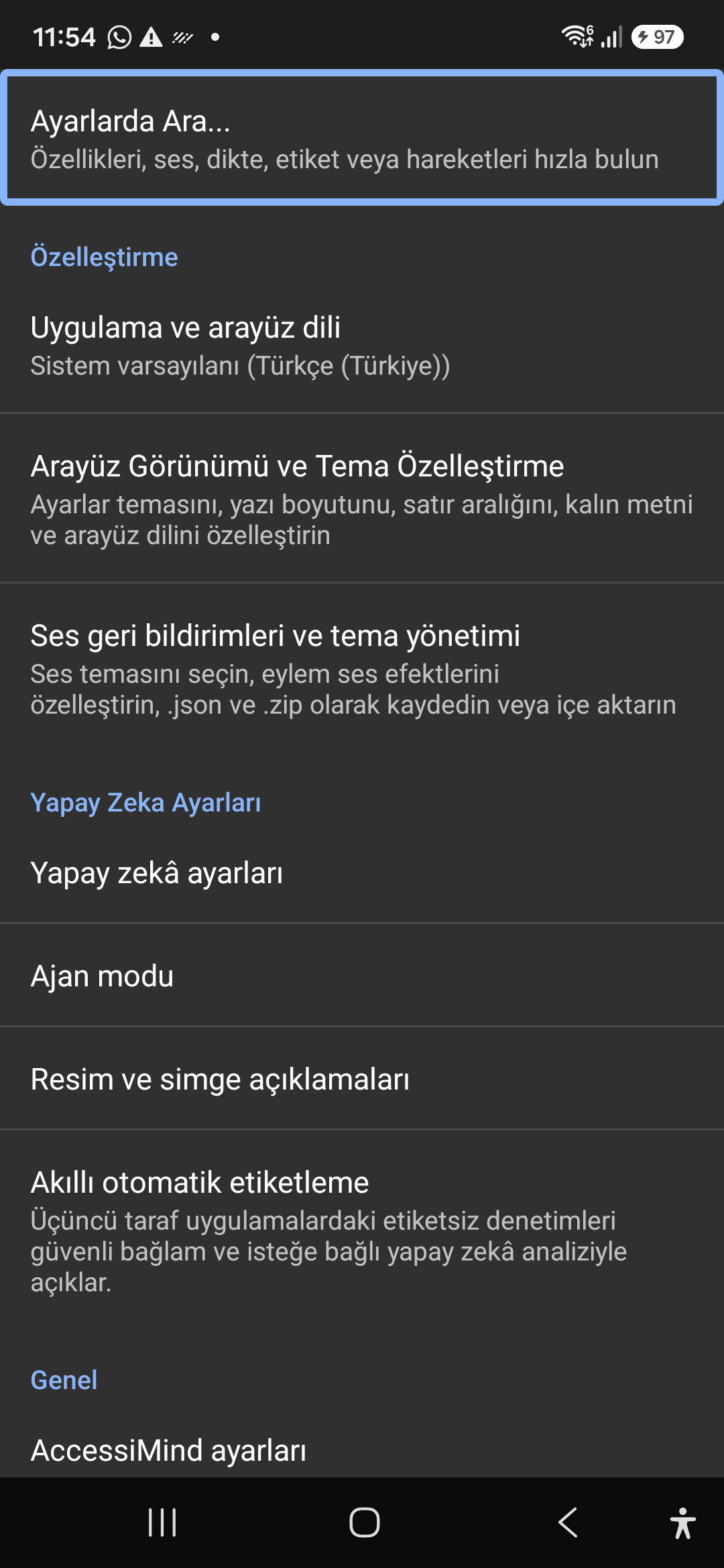
6탭 최신 홈 화면 및 즉각적인 음성/텍스트 검색
일반, 제스처, 콘텐츠 음성, 고급, 인공 지능 및 추가 설정 등 6개의 구성된 탭에서 모든 설정에 접근할 수 있습니다. 상단 검색창이나 음성 검색을 사용하여 모든 옵션을 즉시 필터링하세요.
소스 검증된 완전한 참조 매뉴얼
설정, 6탭 설정 아키텍처, 1~5개 손가락 자유 형식 제스처, 6채널 TTS 오디오 라우팅, AI 마법사 에이전트, 6모드 통합 번역 허브, 31개 언어 스마트 받아쓰기, 통화 관리, 액세스 가능한 키보드 및 웹 브라우저에 대한 완벽한 단계별 문서입니다.
2026/10-116 화면 연습 비디오 가이드 · 한국어 (Korean)
AccessiMind+ 2026/10-116(일반, UI 사용자 정의, TTS 출력 채널, 제스처, 자유형 제스처 생성기, 자동 라벨링, 고급, 통화 관리, AI 보조자, 음성 번역, 스마트 받아쓰기 및 액세스 가능한 키보드/브라우저)에서 캡처한 실제 Android 화면을 특징으로 하는 내레이션 및 캡션이 포함된 화면별 안내입니다.
01:24 · 12 Chapters · KO
챕터를 선택하면 비디오가 해당 화면의 둘러보기로 직접 이동합니다. 캡션과 다운로드 가능한 전체 내용이 제공됩니다.
프로덕션 릴리스 • 2026년 10월 20일 • 버전 2026/10-116(버전 코드: 1621660)
하이브리드 듀얼 DEX 아키텍처, 4계층 원자 설정 보존(직접 부팅), 6채널 TTS 출력 스트림 관리자, 101개 로케일 종료/환영 알림, 타사 위치 SDK가 없는 100% 기본 Android 보안.
일반, 제스처, 콘텐츠 음성, 고급, 인공 지능 및 추가 설정 등 6개의 구성된 탭에서 모든 설정에 접근할 수 있습니다. 상단 검색창이나 음성 검색을 사용하여 모든 옵션을 즉시 필터링하세요.
Gemini, OpenAI/Codex 또는 오프라인 Gemma-4 E2B를 사용하여 화면과 이미지를 설명하고, 음성으로 다단계 마법사 에이전트 작업을 실행하고, 오프라인 ONNX + Google ML Kit OCR을 사용하여 스크립트 전체에서 텍스트를 인식합니다.
자동 감지된 초점, 연속 탐색, 이미지 OCR, 전체 화면, 클립보드 및 실시간 음성 번역. 구두점 인식 스마트 받아쓰기 및 31개 언어의 사용자 정의 음성 명령.
자유로운 형식의 1~5개 손가락 사용자 정의 제스처를 그리고 레이아웃을 JSON으로 가져오기/내보내기하세요. 101개 로케일 세트에서 화면 판독기가 켜지거나 꺼질 때마다 시스템 언어로 믿을 수 있는 음성 안내를 듣습니다.
접근성, 미디어, 알림, 알람, 벨소리 또는 음성 통화 채널을 통해 음성을 독립적으로 라우팅합니다. 한 손가락 스와이프, 자동 스피커폰, 단일 탭 다이얼패드 키를 사용하여 전화를 받거나 끊습니다.
Direct Boot 잠금 화면과 4계층 원자 JSON 스냅샷, 기본 Android LocationManager + Geocoder 위치 알림을 통한 앱 업데이트 전반에 걸쳐 설정 손실이 전혀 없습니다.
Quickly jump straight to any accessibility preference without browsing through nested menus. All keywords, commands, and tools are instantly indexed.
Instant settings search engine located at the top of the preferences list and toolbar. Search categories, sound themes, gestures, and plugins with immediate focus.
Screenshot showing the instant search engine at the top of the AccessiMind settings screen.
Customizable appearance with high contrast modes, large text rendering, card borders, and independent language selection.
Lock the interface language to system default or independently select from 30 supported languages. WCAG 2.2 compliant dark/light themes and custom font scales.
Screenshot showing customization options for language and theme appearance.
Configure feedback sounds for focus changes, clicks, and notifications. Easily import community-crafted sound packages via .zip or .json.
Customize action audio effects, choose built-in sound themes, or import/export external WAV and OGG sound packages.
Screenshot showing sound feedback and theme configuration.
Agent Mode interprets onscreen context and coordinates complex tasks such as form completion, order placement, or message drafts with interactive safety overlays.
Multi-provider AI architecture integrating Google Gemini 2.5, on-device Gemma, and GPT. Autonomous Agent Mode carries out multi-step tasks with user approval.
Screenshot displaying AI Settings and Agent Mode controls.
Visual accessibility enabled by cloud and on-device vision models. Once labeled, buttons and icons are cached locally to minimize network latency.
Narrate images and OCR text within seconds. Recognize unlabeled controls in third-party apps and cache them in local SQLite storage.
Screenshot illustrating image narration and automatic labeling options.
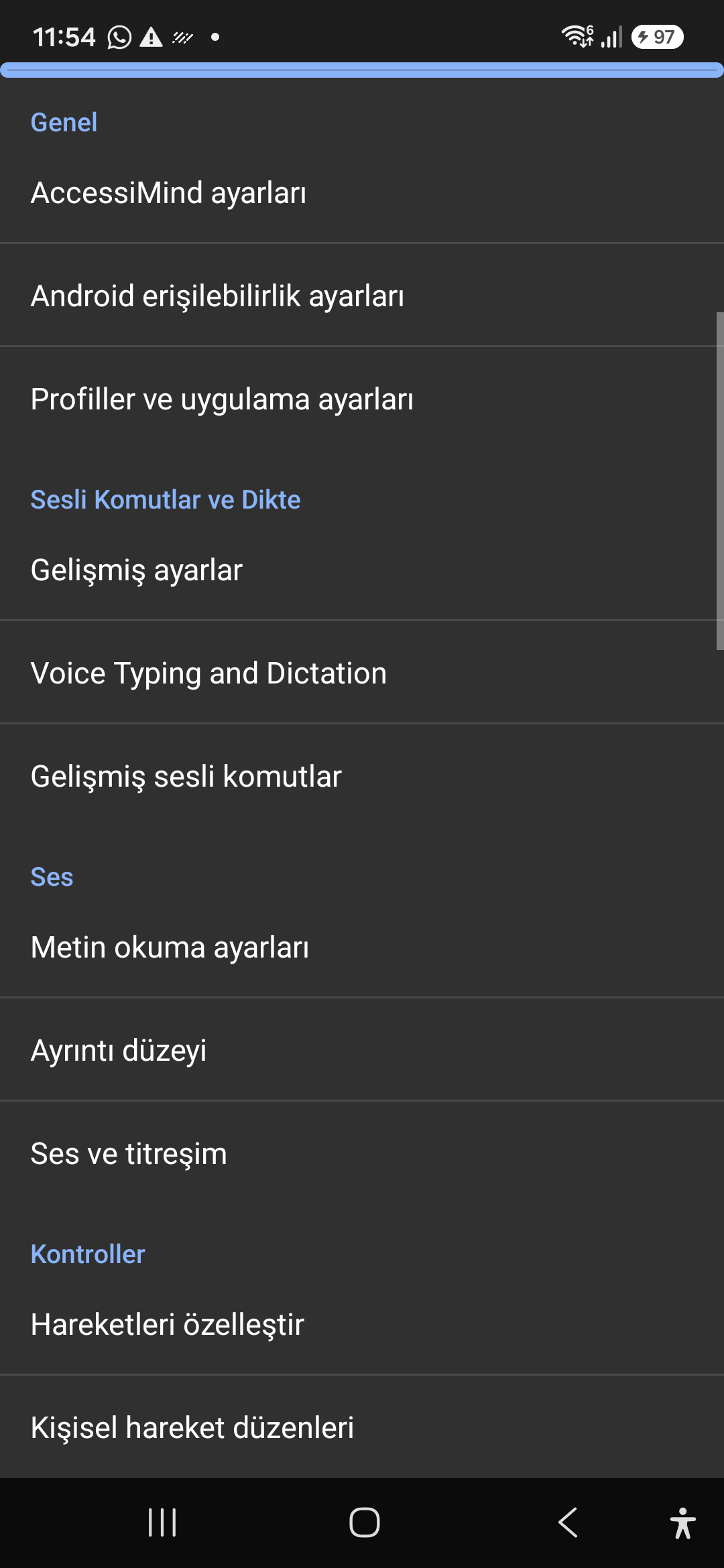
Control the screen reader using voice commands and dictate text into any input field with high recognition accuracy.
Hands-free voice typing, custom voice commands, and core AccessiMind operational parameters.
Screenshot showing general settings and voice typing dictation.
Fine-tune speech output parameters, manage punctuation and character-by-character pronunciation, and route audio across dedicated streams.
TTS engine selection, speech rate, pitch, 6 independent audio output channels, and granular verbosity controls.
Screenshot showing text-to-speech engine and verbosity preferences.
Freely remap single and multi-finger taps, swipes, and multi-directional gestures to navigation, reading, or custom actions.
Assign any action to 1 to 5 finger gestures, define independent JSON gesture layouts, and create app profiles.
Screenshot showing gesture customization and custom layout options.
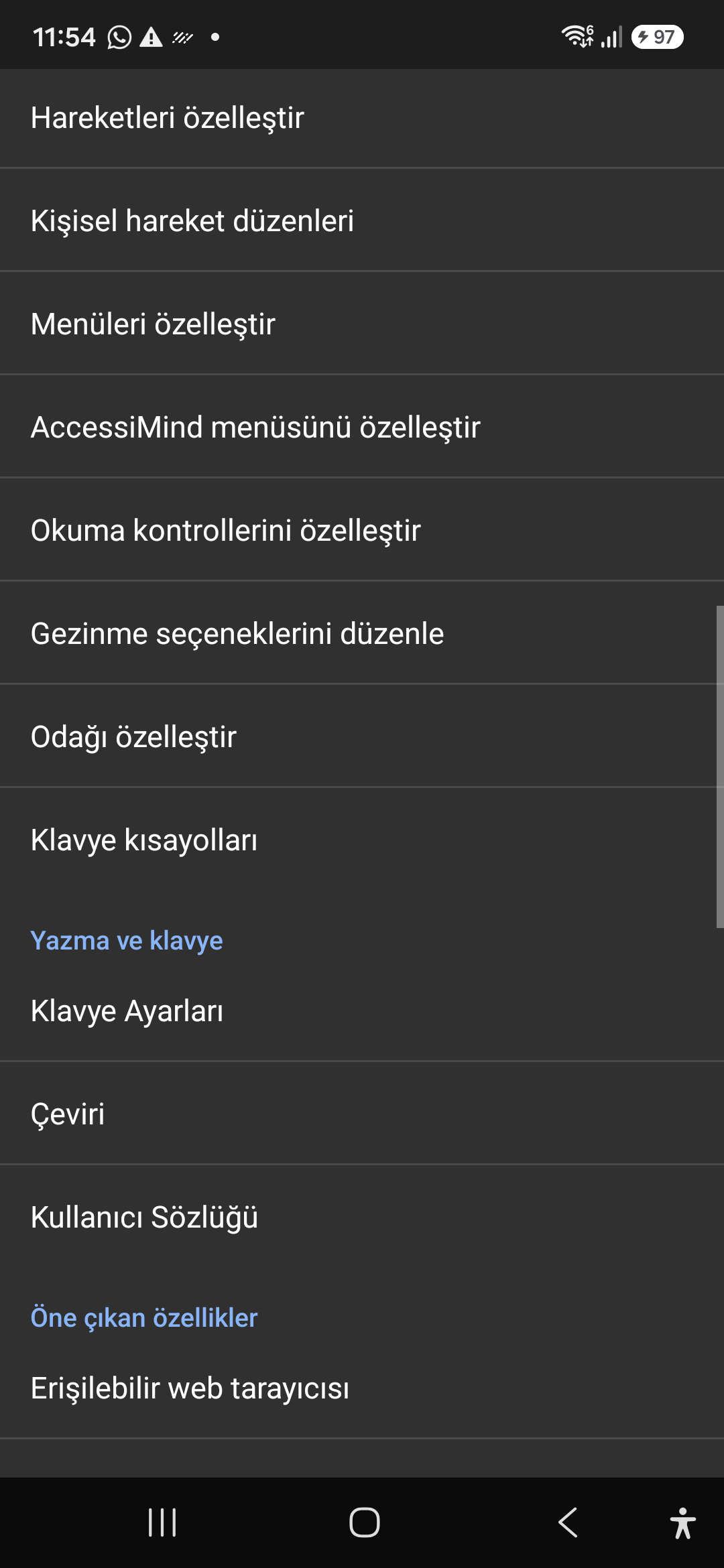
Personalize the items appearing in the global context menu and reading granularity selector to match your personal workflow.
Tailor the AccessiMind menu, reading controls (rotor), navigation granularities, focus indicator, and keyboard shortcuts.
Screenshot showing menu customization and navigation granularities.
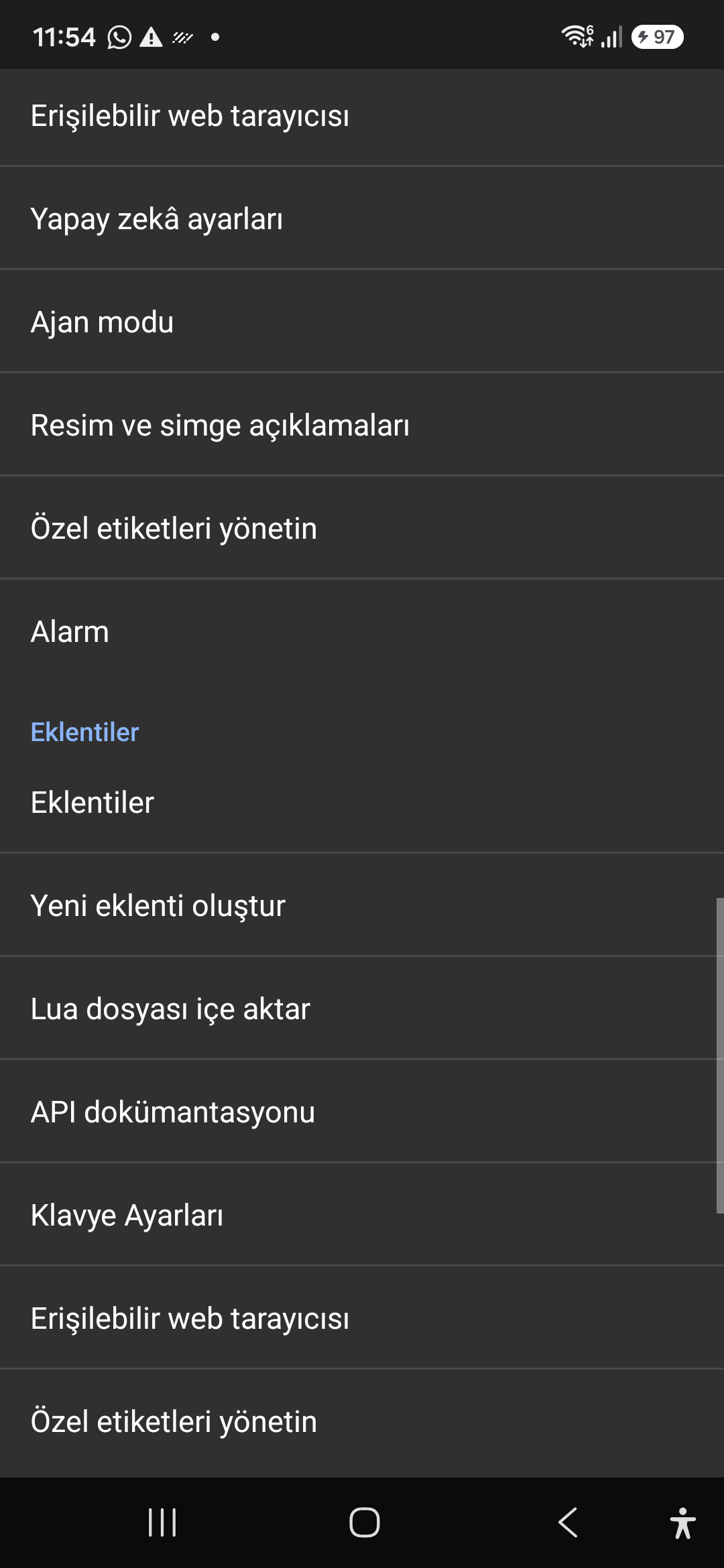
Author and run custom Lua scripts securely. Fully documented access to accessibility, speech, UI, HTTP, and local storage APIs.
Sandboxed Lua scripting execution in an isolated Android process, on-device code editing, and comprehensive built-in API documentation.
Screenshot showing plugins hub and API documentation.
A suite of integrated utility tools designed specifically for screen reader users, including accessible web browsing and label backup.
AccessiMind Keyboard preferences, accessible built-in web browser, and management of user-defined labels.
Screenshot displaying keyboard settings, accessible browser, and label manager.
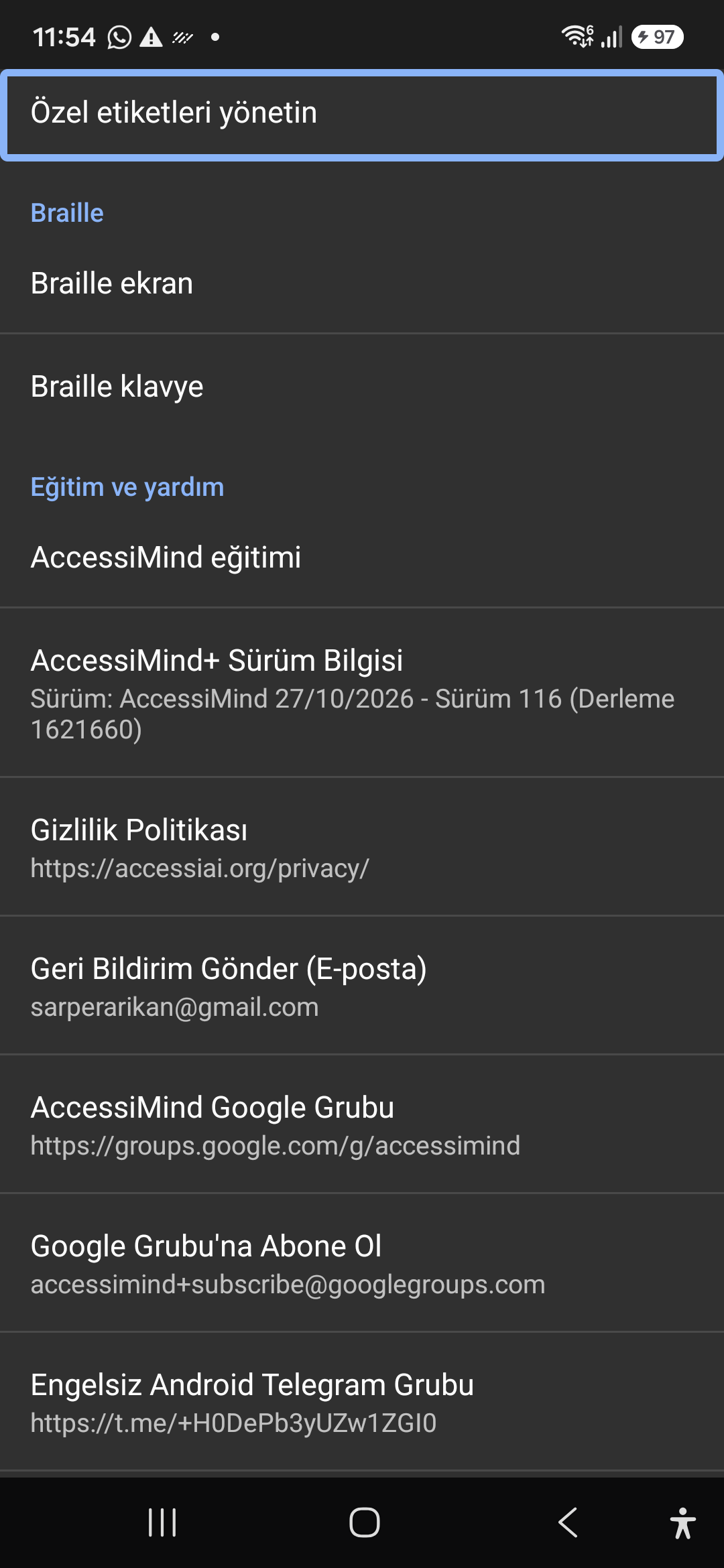
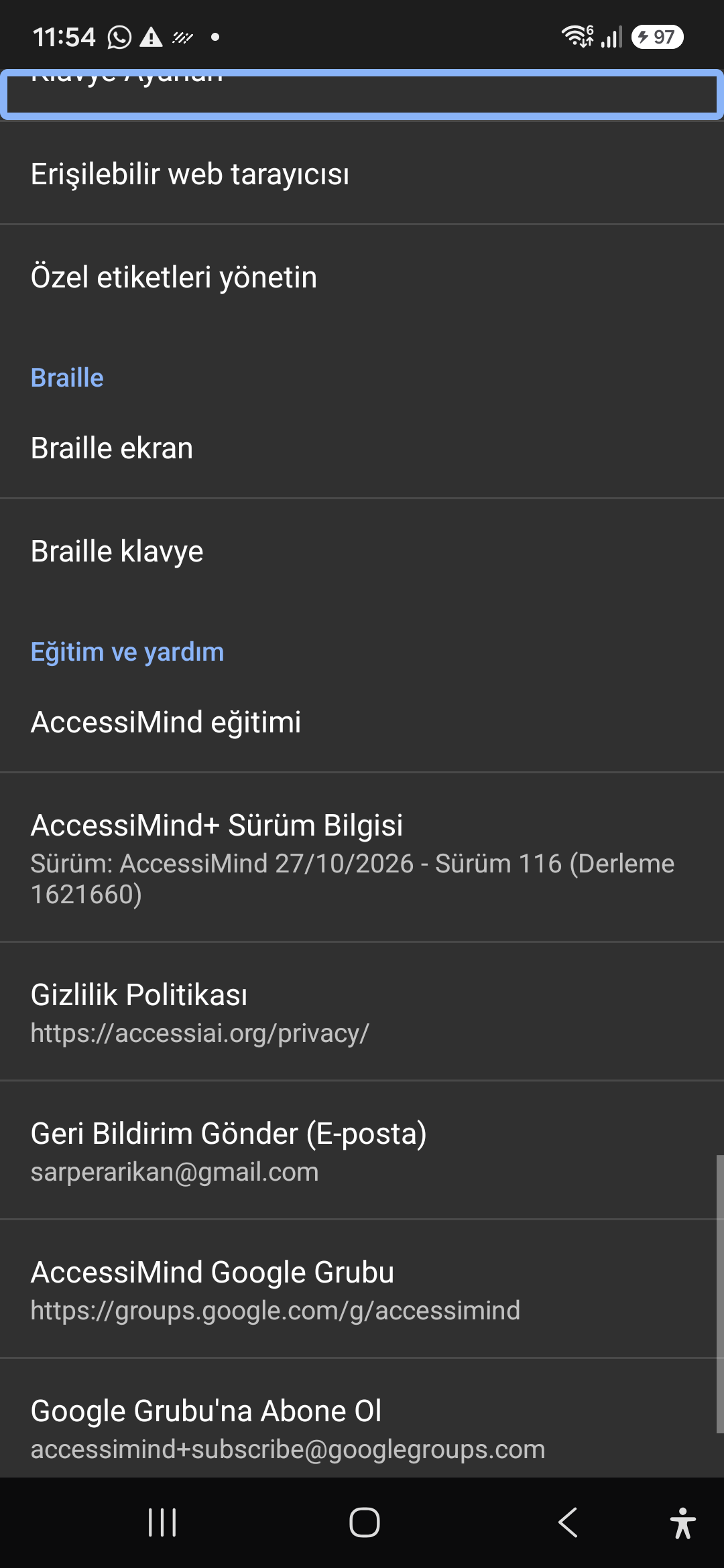
Connect refreshable Braille displays via Bluetooth or USB. Access Release 116 verification certificates, privacy terms, and direct Telegram/Google Groups.
Braille display and on-screen keyboard support; Release 116 (Build 1621660) metadata, Privacy Policy, Feedback, and active community groups.
Screenshot showing Braille settings, Release 116 version info, and community channels.