6 个选项卡现代主屏幕和即时语音/文本搜索
从六个有组织的选项卡中访问每个设置:常规、手势、内容语音、高级、人工智能和额外设置。使用顶部搜索栏或语音搜索立即过滤任何选项。
来源验证的完整参考手册
完整的分步设置文档、6 选项卡设置架构、1–5 手指自由手势、6 通道 TTS 音频路由、AI 向导代理、6 模式统一翻译中心、31 种语言智能听写、呼叫管理、无障碍键盘和 Web 浏览器。
2026/10-116 屏幕演练视频指南 · 中文 (Chinese)
带解说和字幕的逐屏演练,采用从 AccessiMind+ 2026/10-116 捕获的真实 Android 屏幕(常规、UI 自定义、TTS 输出通道、手势、自由手势创建器、自动标签、高级、呼叫管理、AI 助手、语音翻译、智能听写和无障碍键盘/浏览器)。
01:27 · 12 Chapters · ZH
选择任何章节都会将视频直接跳转到该屏幕的演练。提供字幕和完整的可下载文字记录。
正式发布 • 2026 年 10 月 20 日 • 版本 2026/10-116(版本代码:1621660)
混合双 DEX 架构、4 层原子设置保存(直接启动)、6 通道 TTS 输出流管理器、101 种语言环境关闭/欢迎公告以及 100% 原生 Android 安全性,无需第三方定位 SDK。
从六个有组织的选项卡中访问每个设置:常规、手势、内容语音、高级、人工智能和额外设置。使用顶部搜索栏或语音搜索立即过滤任何选项。
使用 Gemini、OpenAI/Codex 或离线 Gemma-4 E2B 描述屏幕和图像,通过语音执行多步骤向导代理任务,并使用离线 ONNX + Google ML Kit OCR 跨脚本识别文本。
自动检测焦点、连续导航、图像 OCR、全屏、剪贴板和实时语音翻译。标点符号智能听写和 31 种语言的自定义语音命令。
绘制自由形式的 1-5 根手指自定义手势并将布局导入/导出为 JSON。每当屏幕阅读器在 101 个区域设置中打开或关闭时,您都可以听到以您的系统语言提供的可靠的语音通知。
通过辅助功能、媒体、通知、闹钟、铃声或语音呼叫通道独立路由语音。通过一指滑动、自动免提电话和单击拨号盘按键来接听/结束通话。
通过 4 层原子 JSON 快照以及本机 Android LocationManager + Geocoder 位置公告,直接启动锁定屏幕和应用程序更新实现零设置丢失。
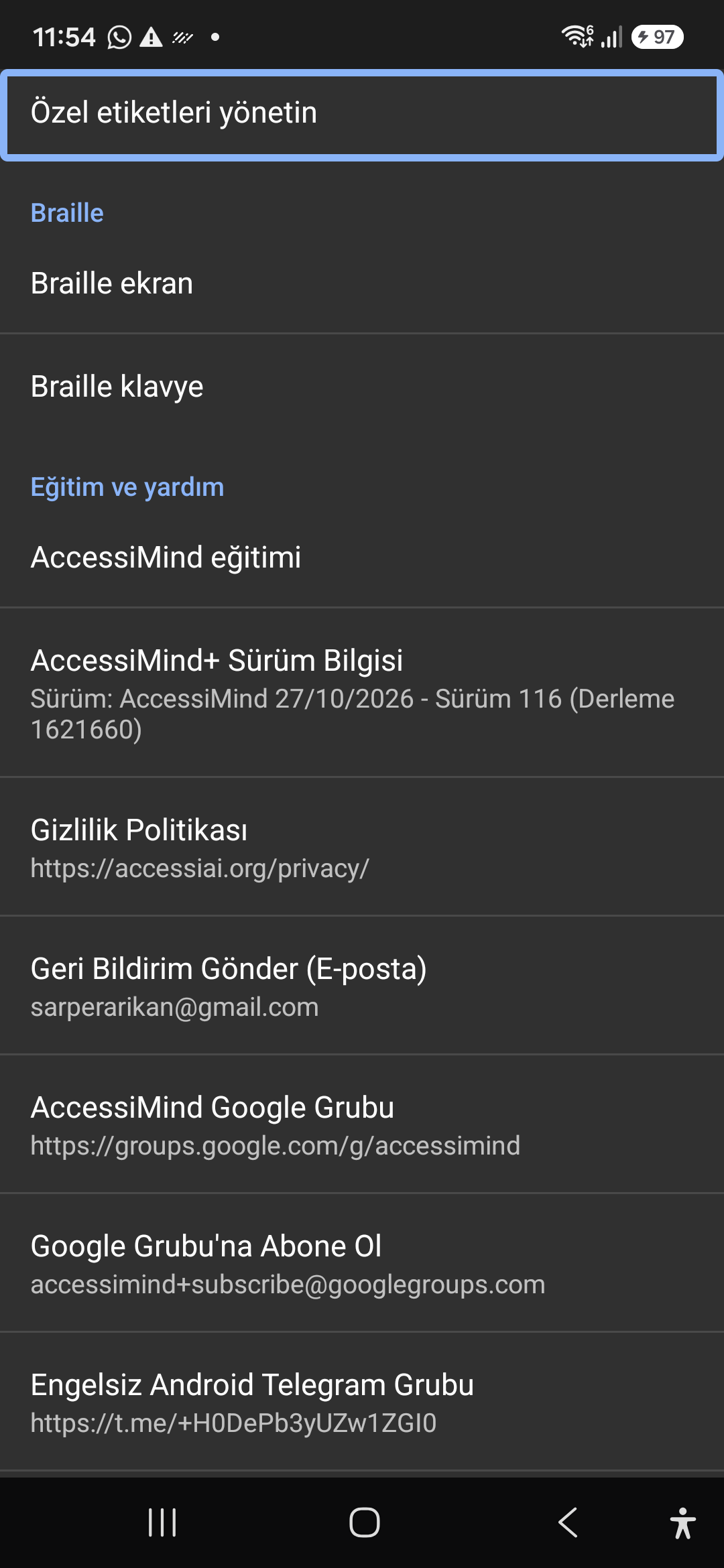
Quickly jump straight to any accessibility preference without browsing through nested menus. All keywords, commands, and tools are instantly indexed.
Instant settings search engine located at the top of the preferences list and toolbar. Search categories, sound themes, gestures, and plugins with immediate focus.
Screenshot showing the instant search engine at the top of the AccessiMind settings screen.
Customizable appearance with high contrast modes, large text rendering, card borders, and independent language selection.
Lock the interface language to system default or independently select from 30 supported languages. WCAG 2.2 compliant dark/light themes and custom font scales.
Screenshot showing customization options for language and theme appearance.
Configure feedback sounds for focus changes, clicks, and notifications. Easily import community-crafted sound packages via .zip or .json.
Customize action audio effects, choose built-in sound themes, or import/export external WAV and OGG sound packages.
Screenshot showing sound feedback and theme configuration.
Agent Mode interprets onscreen context and coordinates complex tasks such as form completion, order placement, or message drafts with interactive safety overlays.
Multi-provider AI architecture integrating Google Gemini 2.5, on-device Gemma, and GPT. Autonomous Agent Mode carries out multi-step tasks with user approval.
Screenshot displaying AI Settings and Agent Mode controls.
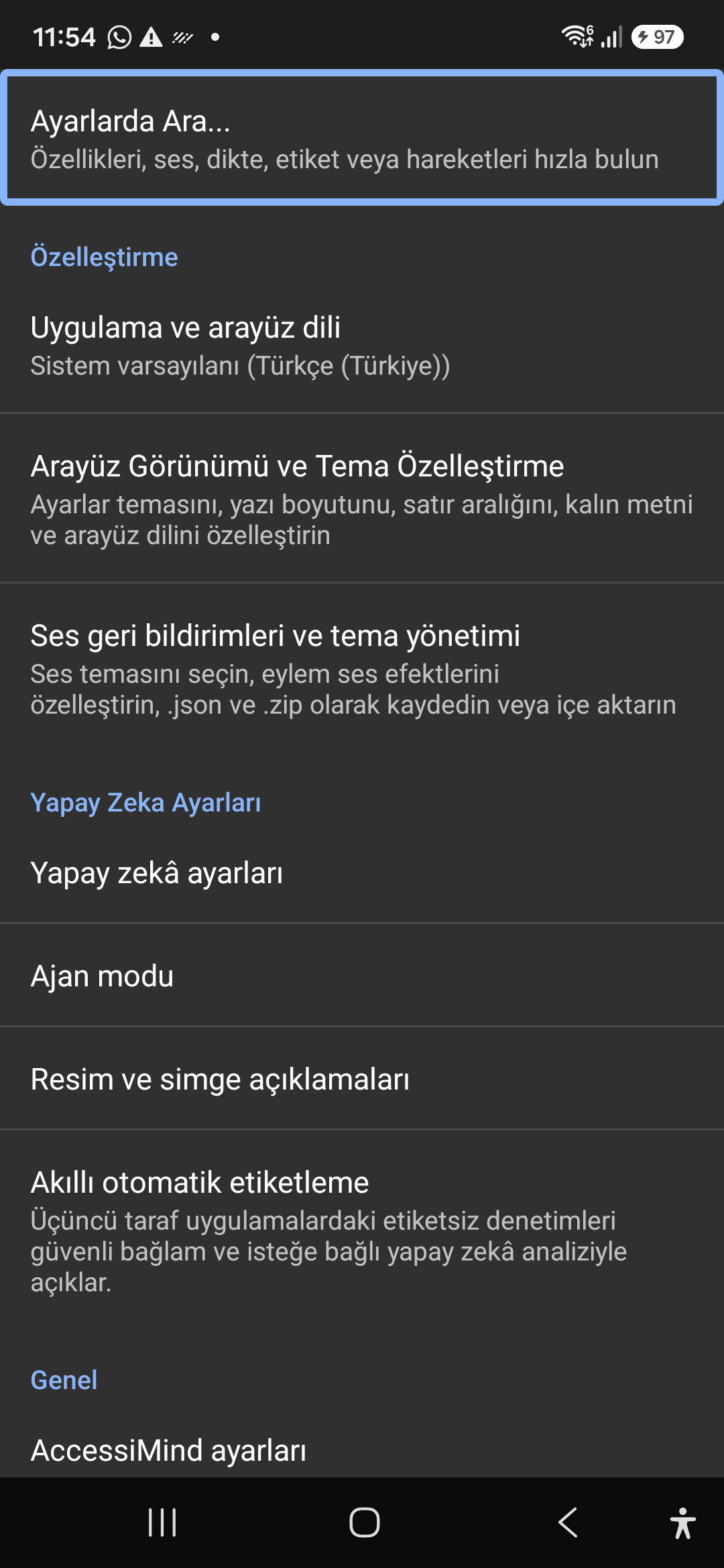
Visual accessibility enabled by cloud and on-device vision models. Once labeled, buttons and icons are cached locally to minimize network latency.
Narrate images and OCR text within seconds. Recognize unlabeled controls in third-party apps and cache them in local SQLite storage.
Screenshot illustrating image narration and automatic labeling options.
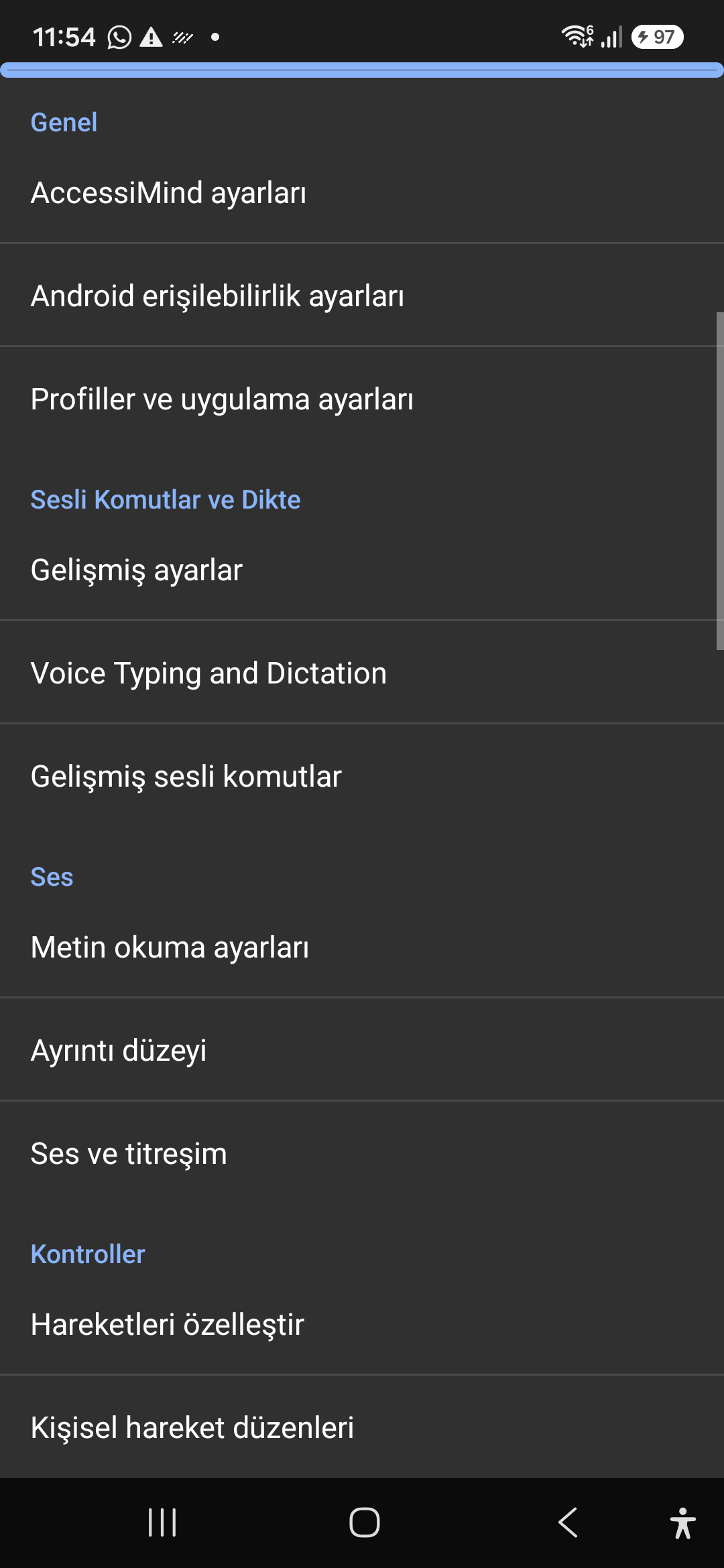
Control the screen reader using voice commands and dictate text into any input field with high recognition accuracy.
Hands-free voice typing, custom voice commands, and core AccessiMind operational parameters.
Screenshot showing general settings and voice typing dictation.
Fine-tune speech output parameters, manage punctuation and character-by-character pronunciation, and route audio across dedicated streams.
TTS engine selection, speech rate, pitch, 6 independent audio output channels, and granular verbosity controls.
Screenshot showing text-to-speech engine and verbosity preferences.
Freely remap single and multi-finger taps, swipes, and multi-directional gestures to navigation, reading, or custom actions.
Assign any action to 1 to 5 finger gestures, define independent JSON gesture layouts, and create app profiles.
Screenshot showing gesture customization and custom layout options.
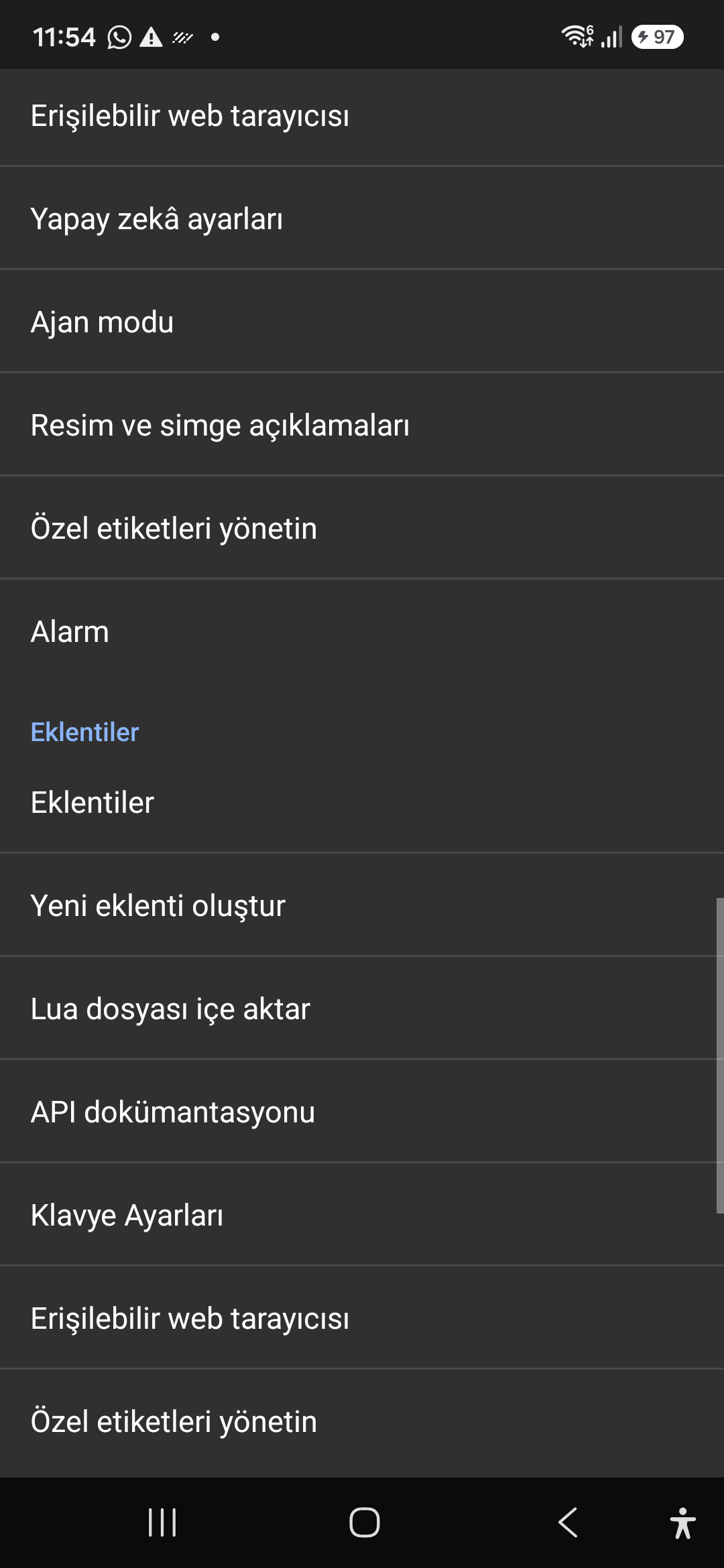
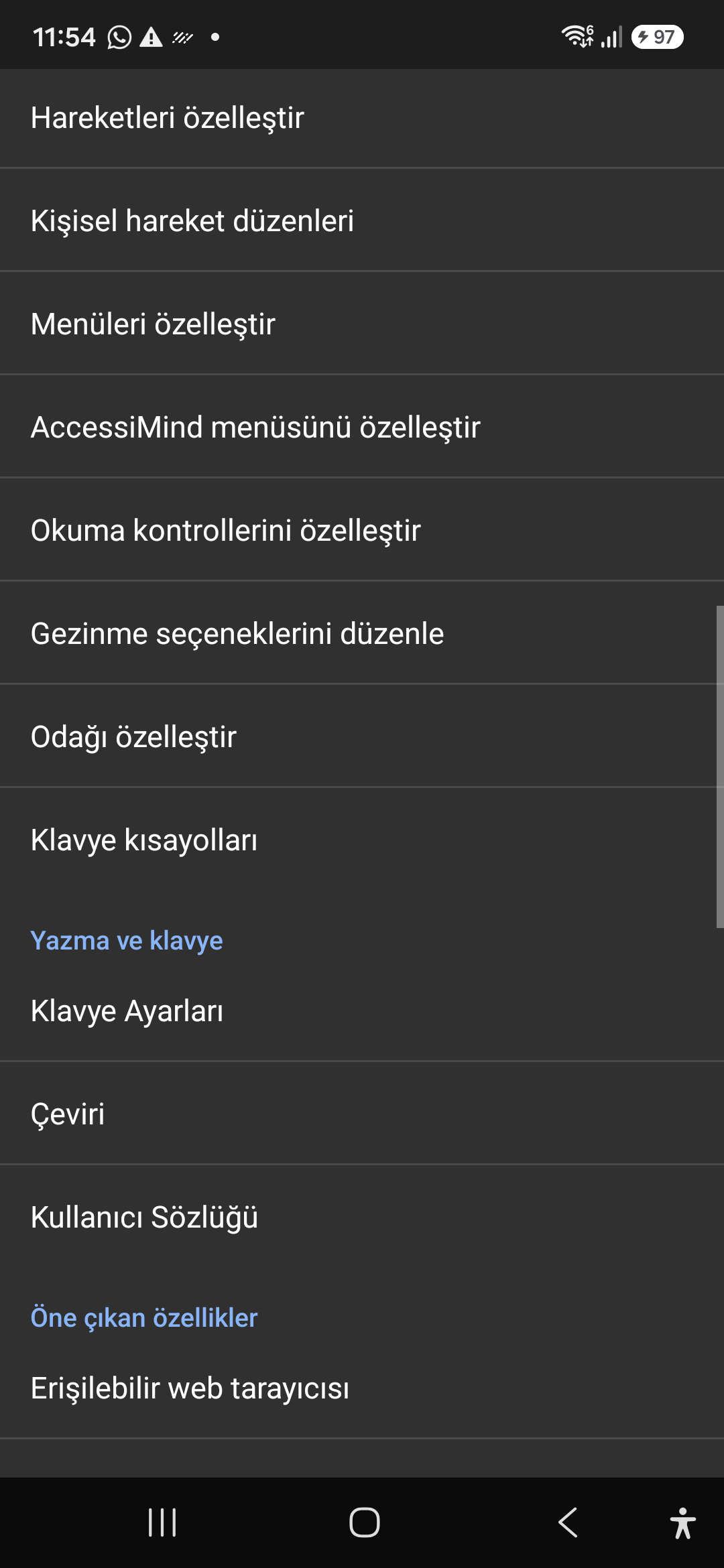
Personalize the items appearing in the global context menu and reading granularity selector to match your personal workflow.
Tailor the AccessiMind menu, reading controls (rotor), navigation granularities, focus indicator, and keyboard shortcuts.
Screenshot showing menu customization and navigation granularities.
Author and run custom Lua scripts securely. Fully documented access to accessibility, speech, UI, HTTP, and local storage APIs.
Sandboxed Lua scripting execution in an isolated Android process, on-device code editing, and comprehensive built-in API documentation.
Screenshot showing plugins hub and API documentation.
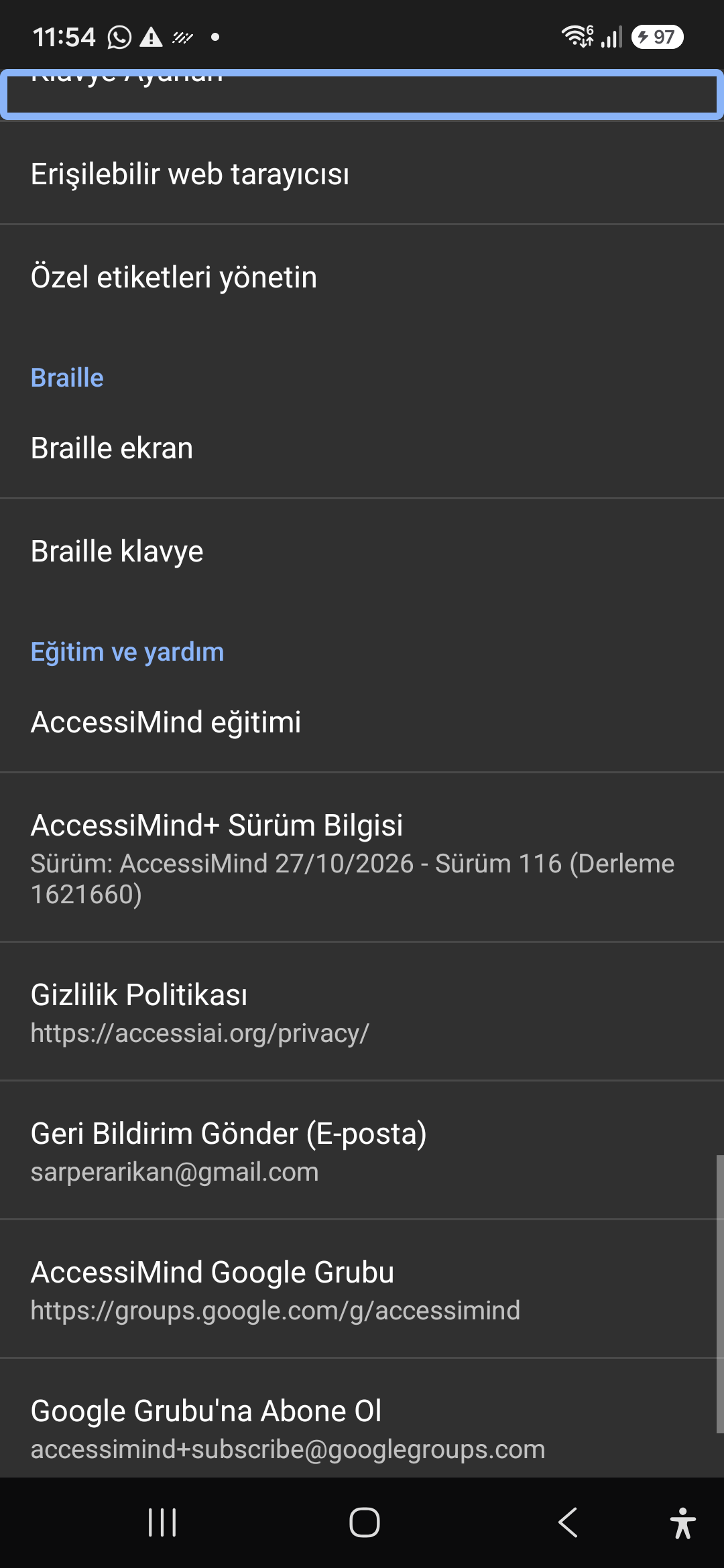
A suite of integrated utility tools designed specifically for screen reader users, including accessible web browsing and label backup.
AccessiMind Keyboard preferences, accessible built-in web browser, and management of user-defined labels.
Screenshot displaying keyboard settings, accessible browser, and label manager.
Connect refreshable Braille displays via Bluetooth or USB. Access Release 116 verification certificates, privacy terms, and direct Telegram/Google Groups.
Braille display and on-screen keyboard support; Release 116 (Build 1621660) metadata, Privacy Policy, Feedback, and active community groups.
Screenshot showing Braille settings, Release 116 version info, and community channels.